Wehaveimplementedtheexpensemanagementmodule,whichisveryusefulforrecordingandmanagingemployeeexpenses,withtheabilitytosetspendinglimitsandapprovalworkflows.

Give every employee a card and stay in control of where and how much they spend. Every payment is automatically recorded as an expense in Bizneo — no manual data entry, no manual reconciliation.
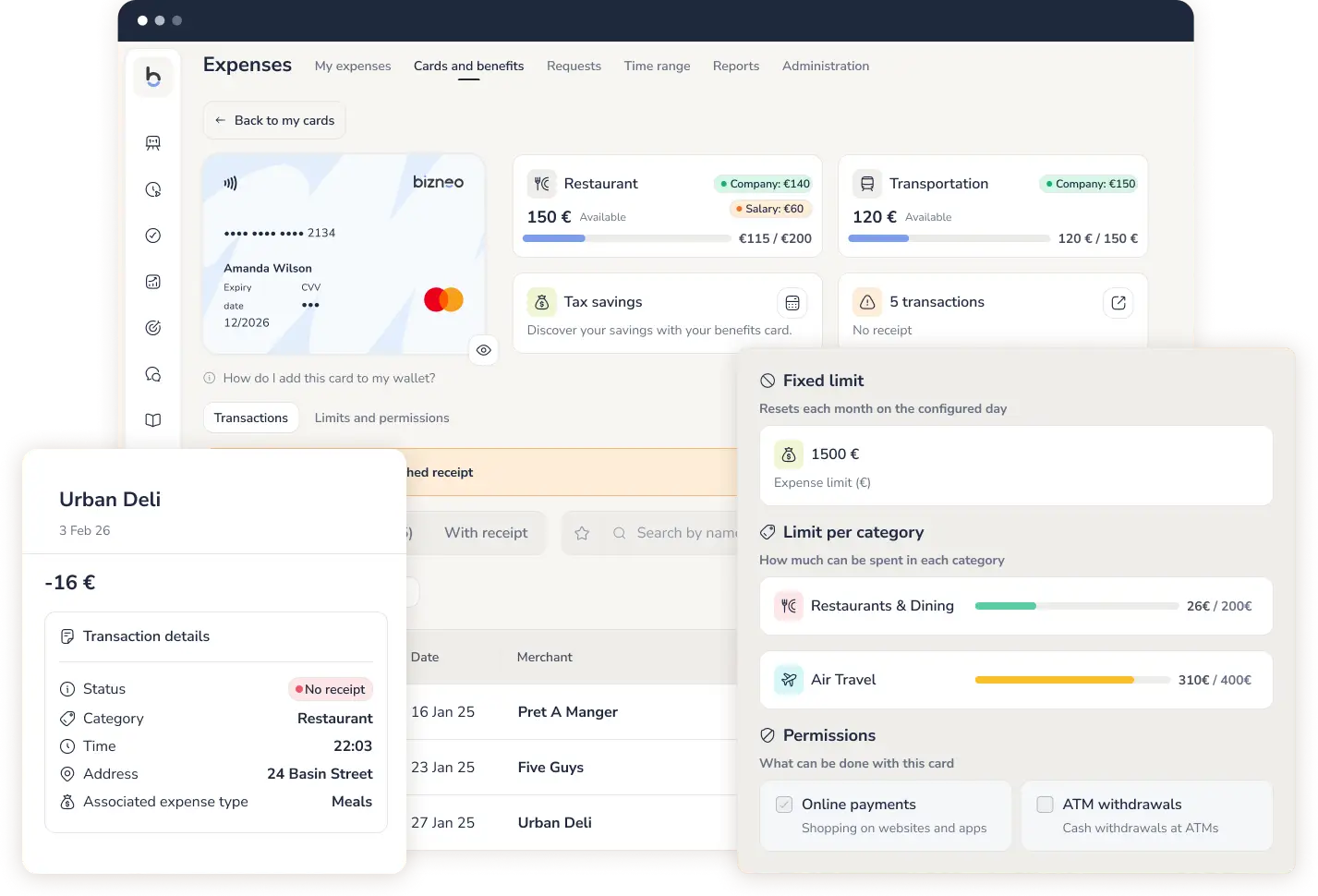








1 card
per employee

Real-time
limits and permissions instantly

0
manual reconciliation
Expense card issuing
For everything that isn't reimbursable. As soon as you create it, it's ready to use. Everything else is up to you, card by card.
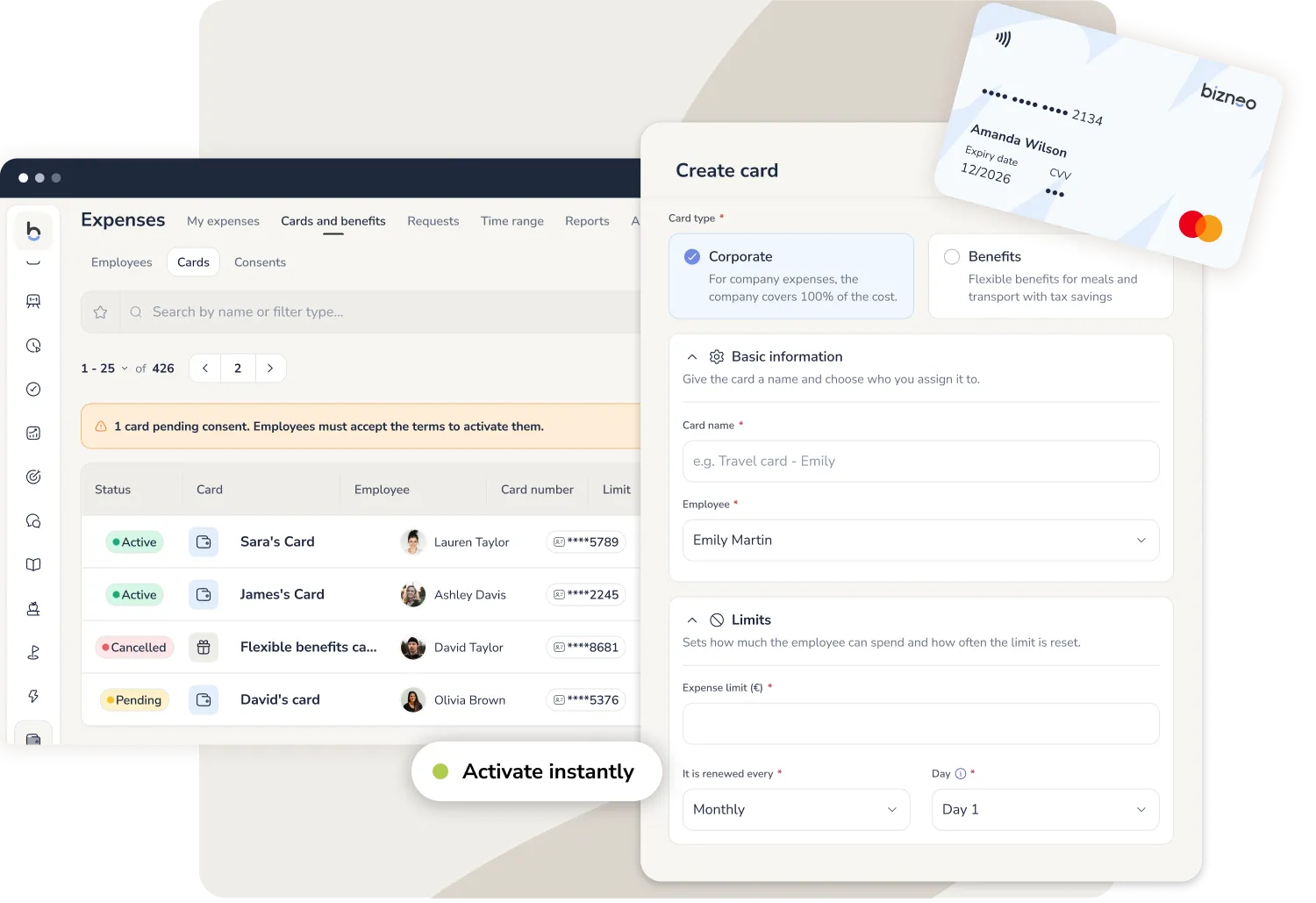
Spending under control
1 in 5 expense reports contains errors. With a corporate card, the expense arrives already recorded: no report to fill in. (Source: GBTA)
Limits and categories
Adapt each card to your company's spending policy. If a payment doesn't fit what's allowed, it's declined instantly.
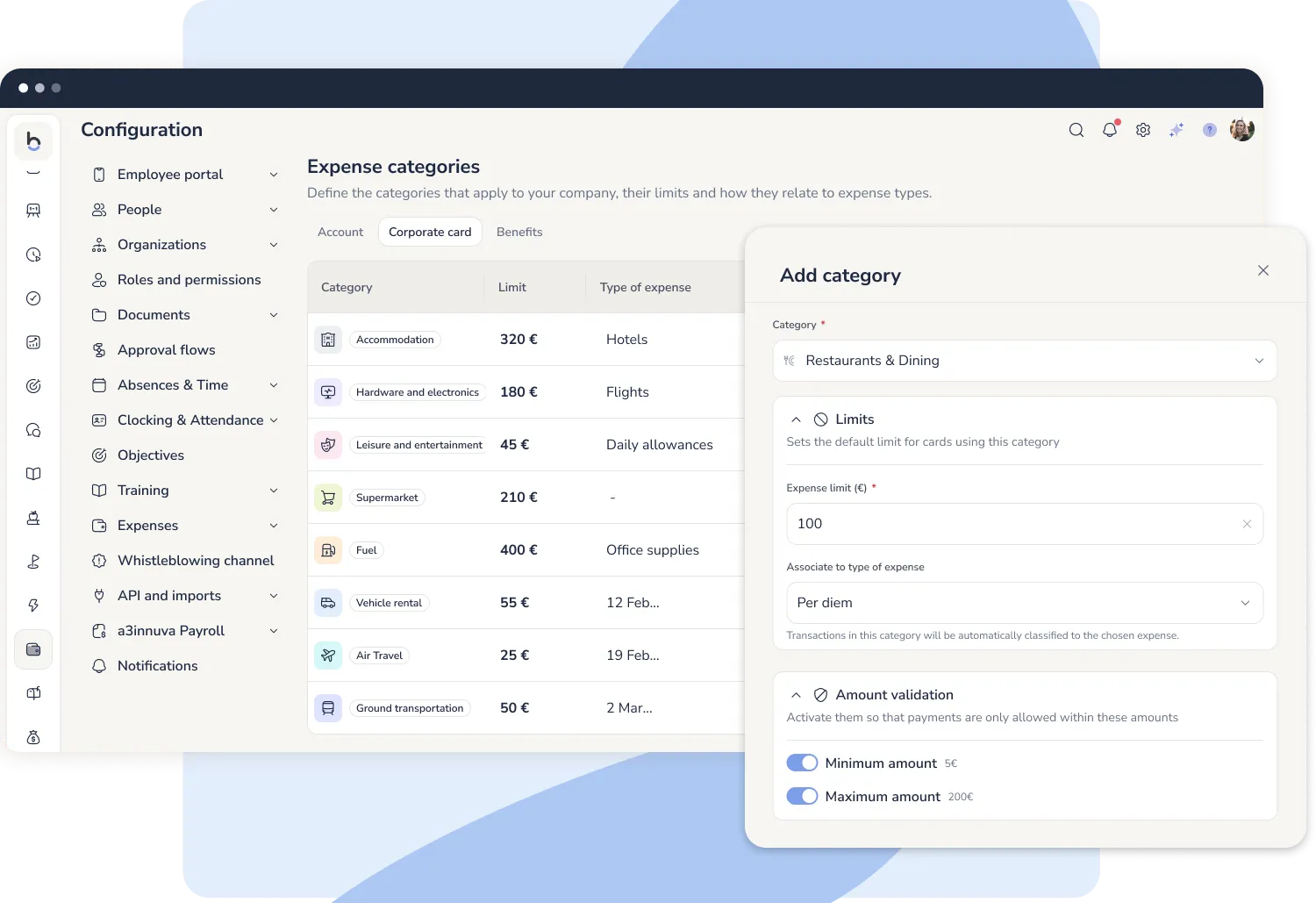
Correcting an expense report takes 18 minutes on average. If every expense is recorded automatically, there's nothing to correct.
Balance control
Everything you need to manage your company expense card, in one place and with no strings attached. You decide when and how much to add, with no minimum top-ups or mandatory windows.
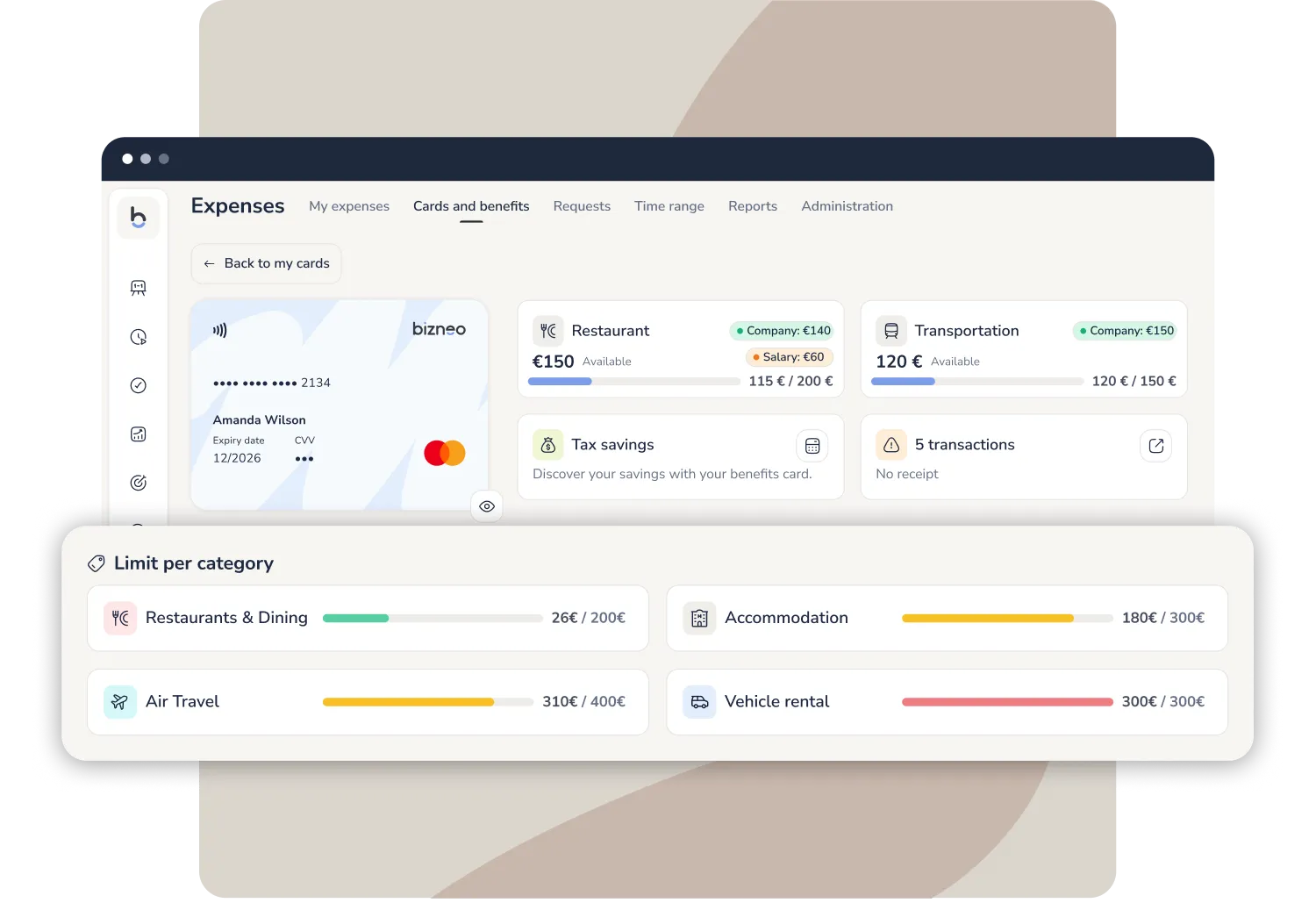
Control no longer depends on every employee's discipline, but on the setup you decide once.
How each team uses the corporate card
A different setup for every way of spending
Not every department spends the same way. Adapt each card to what each team needs and let the spending policy apply automatically.

Marketing
Software and online subscriptions with online payments enabled and every other category locked. Every tool you subscribe to is recorded as an expense without asking the admin team for anything.

Sales team
The sales team's fuel card, with a per-transaction limit: if the tank holds 50 litres (around €75), you set the limit there so no one tops up their own car too. The same card covers travel allowances for every trip.

Management
Profiles with broad autonomy and a cap on the overall amount, so they can move without friction day to day while every expense stays just as traceable as the rest of the team's.

Year-end budget
At year end, teams with budget left over can use it within their limits without opening a purchasing process for every expense. Everything is recorded and reconciled instantly.

Outside category
If a card only allows fuel and the employee tries to pay at a supermarket, the payment is declined on its own. No one needs to review it or approve it by hand.
Cards, expenses and people on a single platform
Cards sit alongside your employees, your payroll and your expense management. No adding people twice, no separate systems to connect: your team's data is already here.
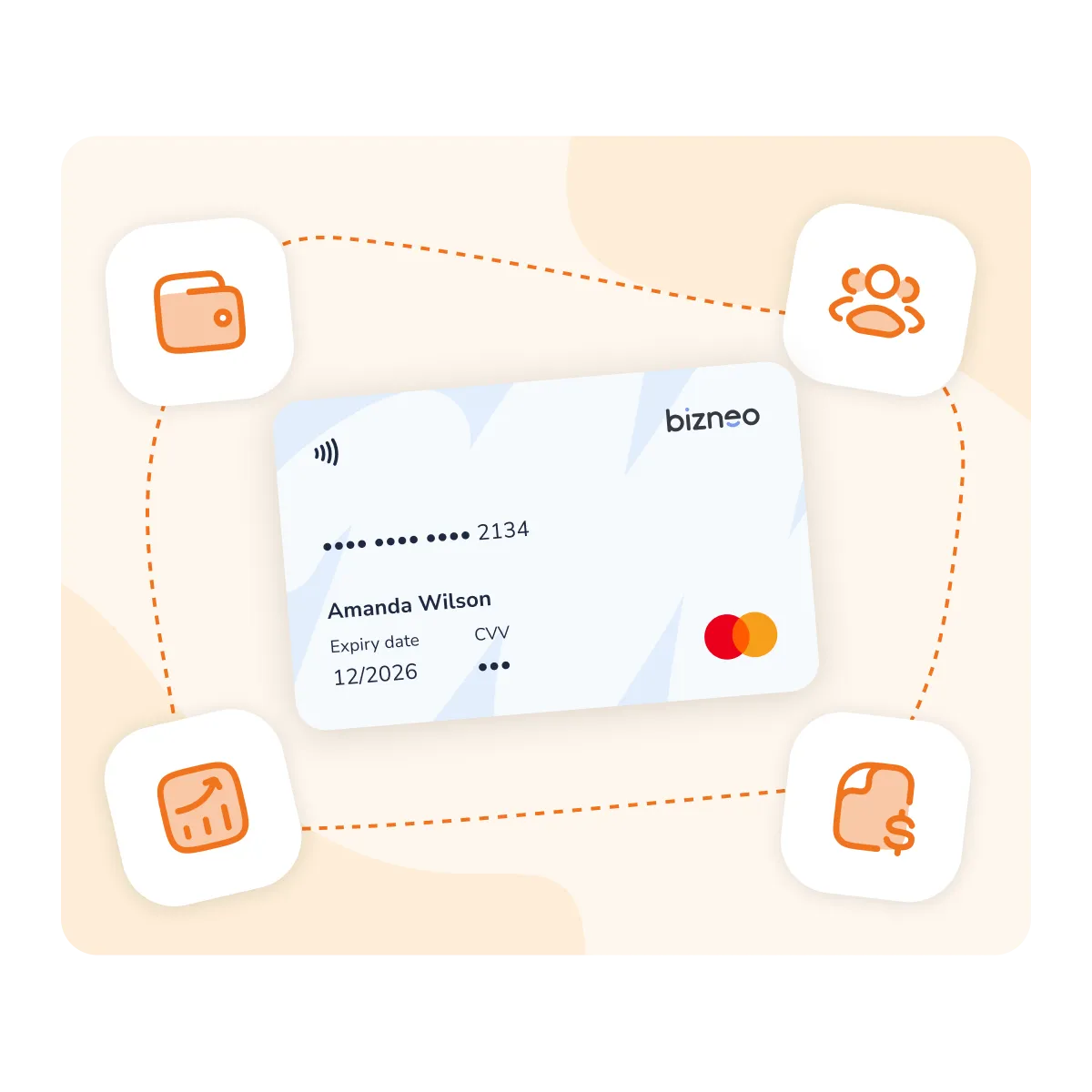
Every payment stays within the policy you set, without waiting until the end of the month to find a problem
Find out how expense cards for employees fit into your day-to-day operations.



 +34 910 19 48 00
 +33 1 89 70 13 63
 +39 010 685 1283
 +351 308 810 868
 +54 11 3991 2872
 +55 (11) 5116-0082
 +57 601 7702977
 +52 55 7100 2673

 Linkedin
 Youtube
 Instagram